


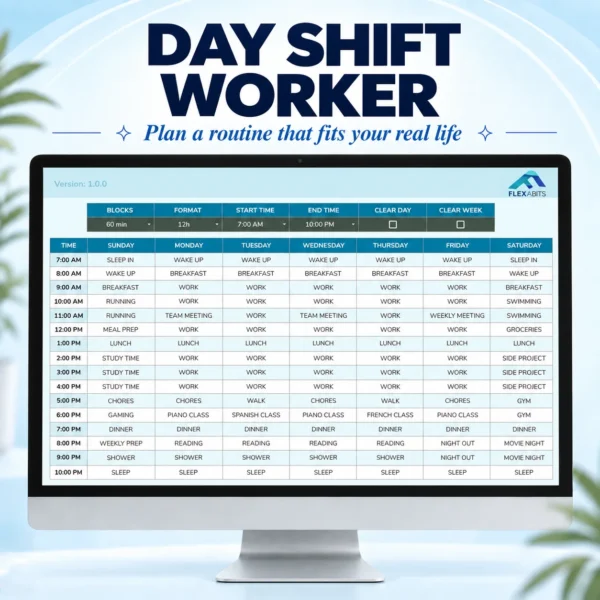
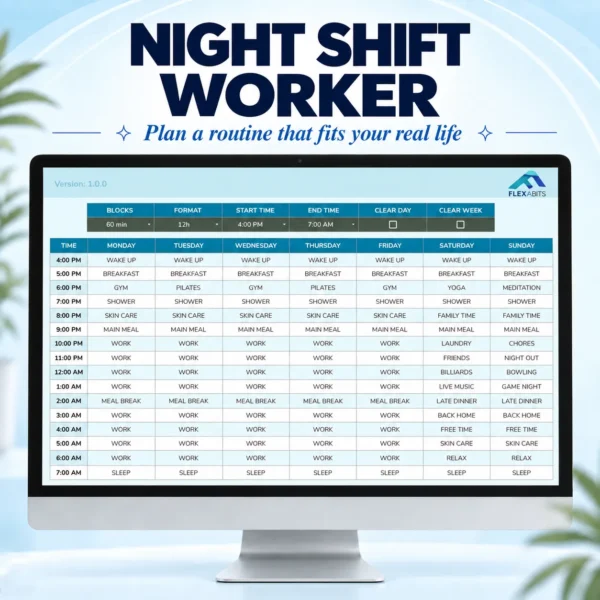
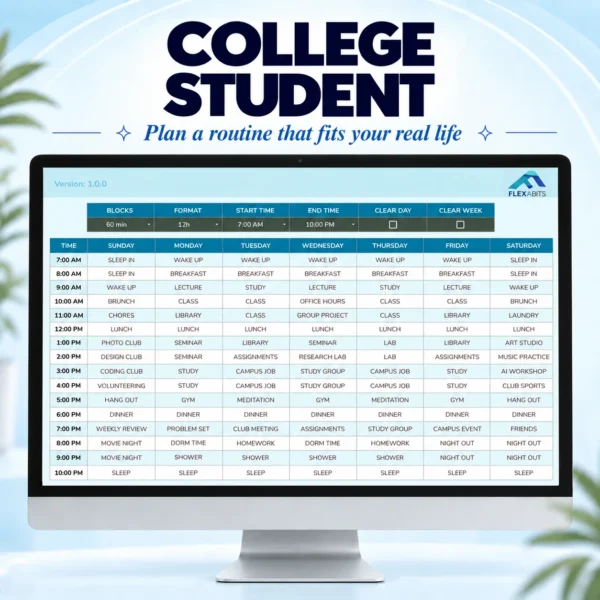
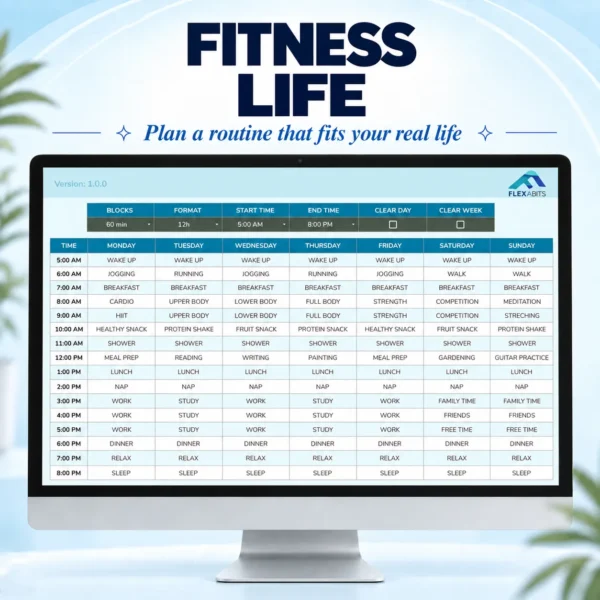









Description
Master your time
achieve more
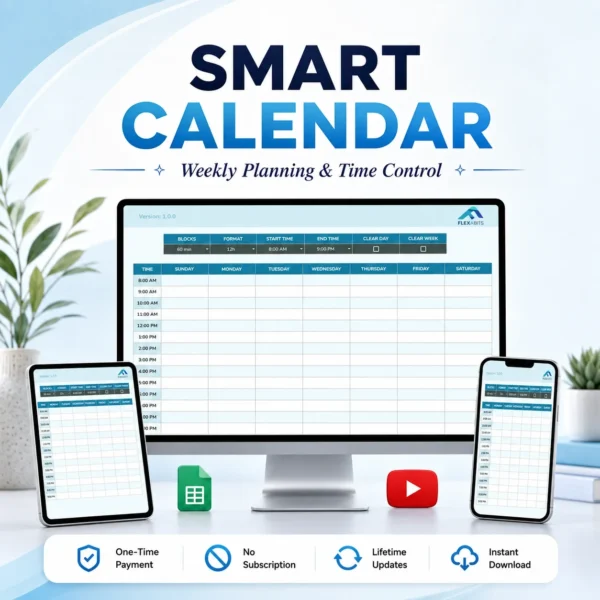
A system designed to save time, organize your week, and keep every hour under control.
How it works
Take a closer look
Set your blocks
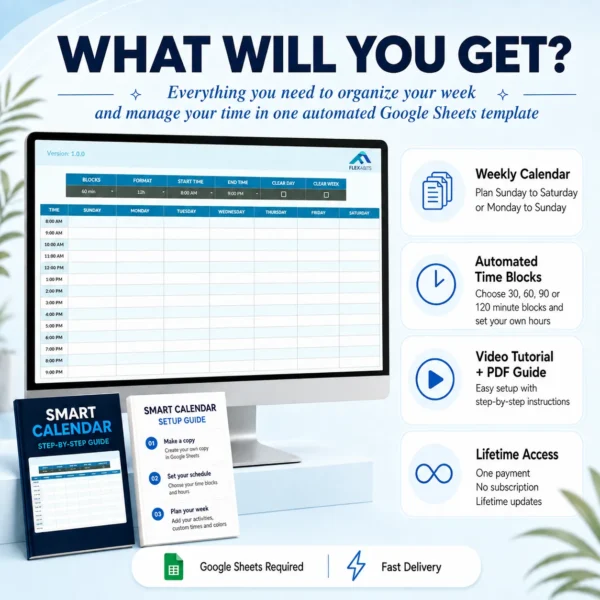
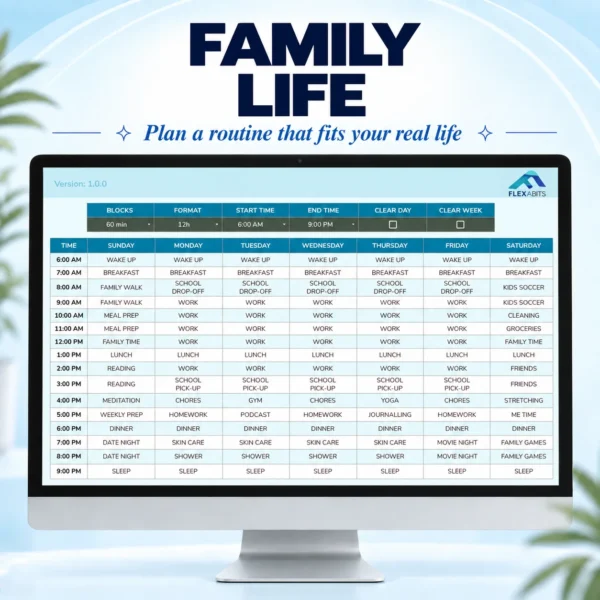
Choose 30, 60, 90, or 120 minute blocks and define the start and end time.
Plan your week
See all seven days side by side, Sunday to Saturday or Monday to Sunday.
Total control
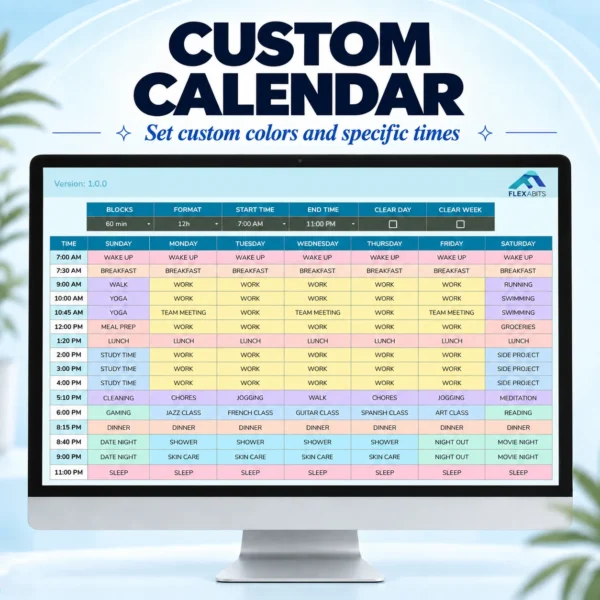
Add custom times and colors, work, classes, and anything else you want.
Features
Get the highlights
Compatibility
Good to know
Google Sheets required
Works with your Google account.
Works on any device
View and edit calendar content from a computer, tablet, or phone.
Computer recommended
Use a computer for fix and clearing actions.
Not compatible with Excel
Only works with Google Sheets.
Questions
Before you start
What do I receive after purchase?
After successful payment, you will receive a PDF access guide by email within 15 minutes. It includes the Smart Calendar template link and setup instructions.
Does it only work on a computer?
No. You can view and edit calendar content from any device.
Can I change the days of the week?
Yes. By default the template runs Sunday to Saturday, but the day headings are editable. Rename them so your week runs Monday to Sunday.
Can I set custom times like 7:30 AM?
Yes. Blocks only build the structure of your day, and every time can be edited to the exact minute. Your custom times stay when you reload the page or extend your End Time. Changing Blocks or Start Time moves every row to a different hour, so the column is rebuilt and your custom times are replaced. Set those first, then adjust the exact times.
Can I use custom colors?
Yes. You can color any cell in your calendar, and your colors stay when you change Blocks, Start Time, End Time, or the time format. If you ever want the original design back, open the Fix menu and select Restore calendar design.
Are refunds available?
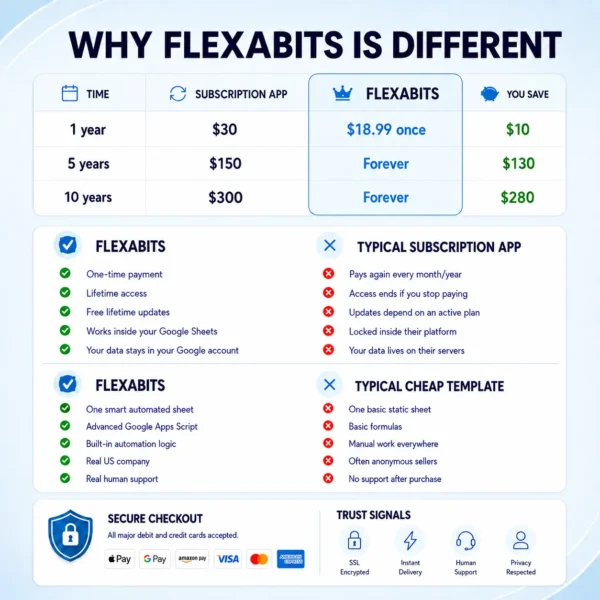
Purchases are generally non-refundable once delivery begins, except as stated in our Refund Policy.
Where can I get help?
If you do not receive an email after purchase, check the email address used at checkout and your spam folder. For help, contact us through the contact form or at [email protected].


Haydee B. –
Loved the example images showing different routines for different types of people, super helpful for getting started.
Jackie McKenna –
The new update is great, thanks for all the improvements!
Andrew Yoon –
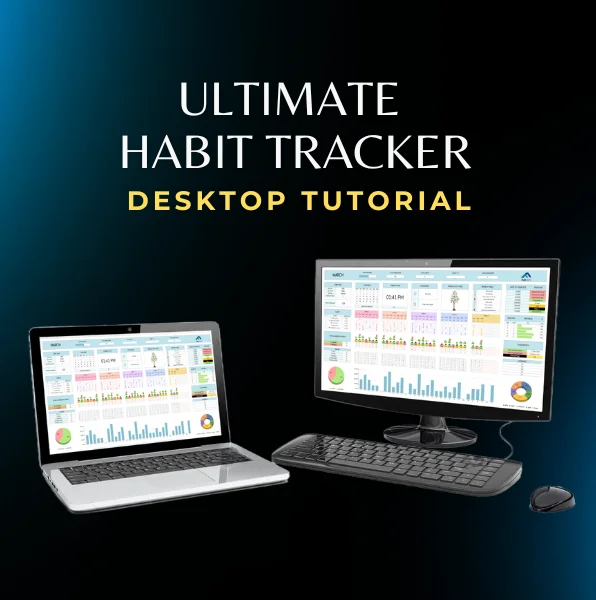
I really liked that the free tutorial video included pastel colors to add manually with custom colors, nice touch
Michelle Kurstyn –
Set up my custom times and colors exactly how I wanted. Excellent 😍
Jesse Torres –
Coming from a Spanish-speaking family, I’m used to the week starting on Monday, not Sunday. I like that I can switch it manually and finally see my calendar the way I’m used to.
Lauren R. Mitchell –
I kept forgetting little things because my work, appointments, and personal stuff were all in different places. Having the whole week right in front of me has made things way less stressful, thank you so much!
Tiana Whitaker –
Needed something that could actually fit MY schedule instead of forcing me into a fixed routine. Set my hours, added my blocks, and boom… everything finally makes sense 🙌🏾
Noor haddad –
Already bought the Ultimate Habit Tracker and loved it, so I figured this would be good too… and I was right. Same quality, super easy to use, and support is always quick to help. Highly recommend!
Ethan Nakamura –
What I’ve been looking for for a long time! Thank you!
Marcus Feldman –
I work nights, so most planners never really fit my schedule. Being able to choose when my day starts and ends changed everything. Finally a calendar that works around my life instead of the other way around…
Susan Parker –
Just looking for a modern calendar, but I had no idea how to make one myself. Thanks for making my life easier! 👏🏼👏🏼
emily carter –
This made planning my week so much easier. Totally worth it.
Anna Julien Gorman –
I really needed a calendar where I could schedule my weekly obligations, tasks, and habits in 1 hour and 30 minute blocks. What I love the most is that I can choose the time I wake up and the time I go to bed, all automated.
michael brooks –
Had my week organized in a few minutes, which is exactly what I needed. thankss ♥️
Jess Turner –
The time blocks make my days feel a lot more organized. Simple, but it works really well.
Daniel W. –
Clean design, easy setup, and very practical. I’ve been using it mostly for work blocks and personal routines. 5⭐
Amanda lanski –
Great template overall. I just wish it had a built-in dark mode option, but using a browser extension fixed it for me 😎
Patti B. Huss –
This calendar helped me build a better weekly routine. ty!
natalie b –
I’ve tried a few digital planners, but this one feels easier to keep up with. simple in a good way. 👍🏼
Jamal Robinson –
Took me about 5 minutes to figure out the time block setup at first. Once you get the hang of it, though, the clean design is great. Really solid tool.
Toby Collins Jr –
Nice template, the setup was quick, easy to use 😉
peter spinoza –
the design looks clean and i don’t have to fight with the format. thanks dude
James Van Etten –
Helpful, clean, and easy to understand. It does what I needed without adding a bunch of unnecessary features. Thank you so much!
Pedro McNairy –
Pretty much what I needed. It’s clean, professional, and easy to work with.
Sammy Oxford –
The layout is clear and weekly planning feels less messy now.
Tony King –
The design is very aesthetic! I love it! <3
jake gelbero –
Time blocks help me stay consistent with routines, really useful!
Sophia Ramirez –
It’s super simple but really effective. Love the colors 😍 Thanks!!
Sarah Miller –
As a working mom, I needed something simple but reliable. This calendar helps me balance work, family, and personal time. Total lifesaver 🙏👩👧👦💼
Lily Wang –
The clear feature is amazing 👌
thomas hill –
Simple, clean, and really effective. Keeps my days organized without much effort