If you are thinking about buying it, this guide will help you understand how it works before getting started. This Google Sheets template helps you save time, organize your week, and keep every hour under control.
How it works
After purchase, you’ll receive a PDF guide by email with access to the template. Make your own copy in Google Sheets and plan your first week in a few steps:
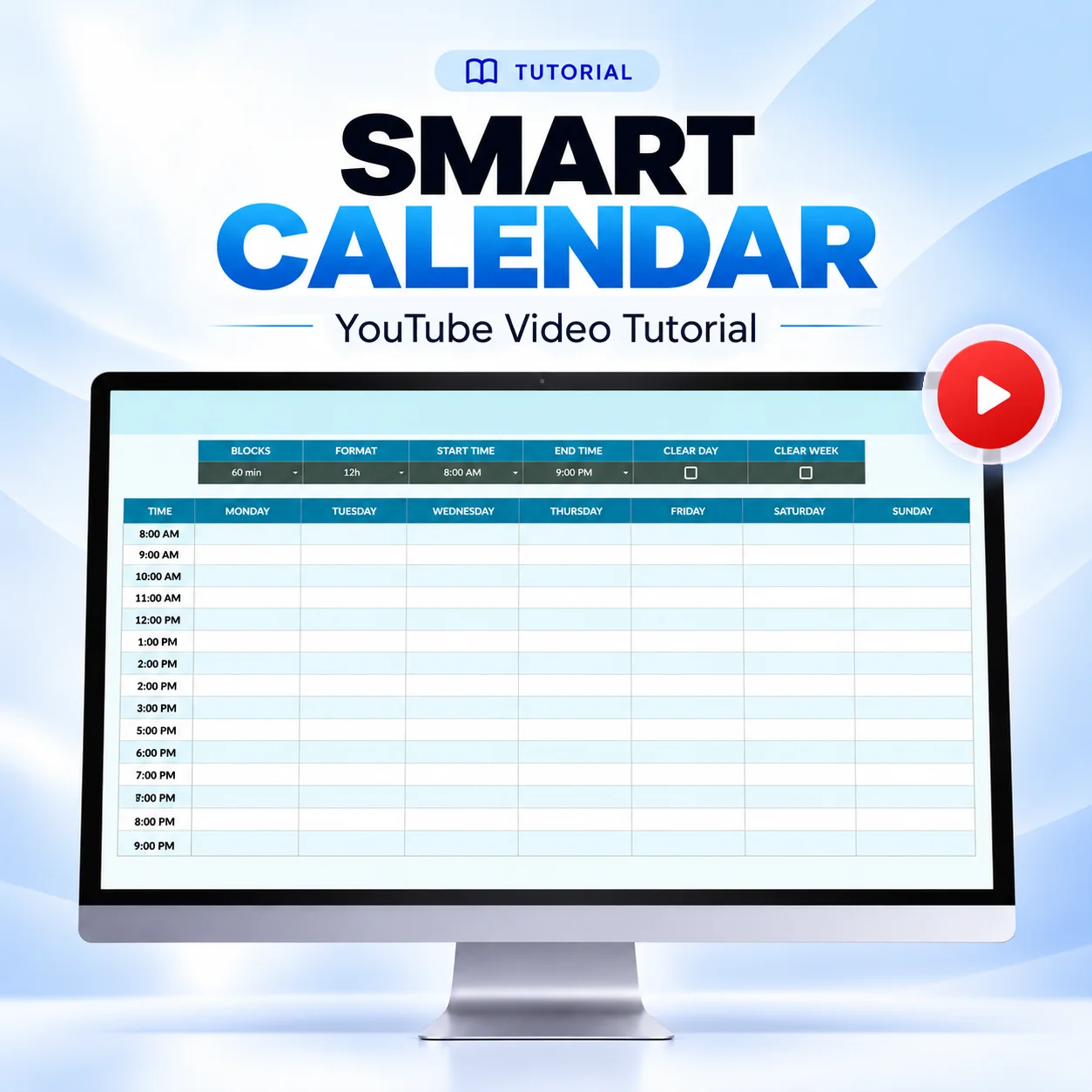
Start with the shape of your day. Choose your block size and your start and end hours.
Rename the day headings if your week starts on Monday, and pick the 12h or 24h format.
Once your blocks and start time are set, you can edit any time to the minute, like 7:30 AM for an early class.
Add work, classes, workouts, and family time. You can also add custom colors.
Reset when your week changes. Clear a single day or the whole week.
Things to know
It is not compatible with Excel. A Google account and Google Sheets are required.
You can view and edit your calendar from a computer, tablet, or phone.
Use a computer for clearing and repair actions.
Your colors stay in place when you change your blocks, hours, or time format.
If something looks off, the Fix menu repairs the calendar or restores the original design.
Who this template is for
People who work day or night shifts.
Students balancing classes, study time, and a job.
Working parents who plan around family routines.
People who lose track of plans scattered across too many places.
Anyone who wants to see the whole week at once, not one day at a time.
People who prefer a simple Google Sheets calendar over another app.
Ready to start?
If you want a planner that fits your life, not the other way around, get the Smart Calendar and plan next week your way.